
 Dev
DevDocs & guidelines > Getting started
teamplay digital health platform (article)
Getting started as a developer (article)
The following articles provide an overview of the content, functions and services offered on these portal pages.
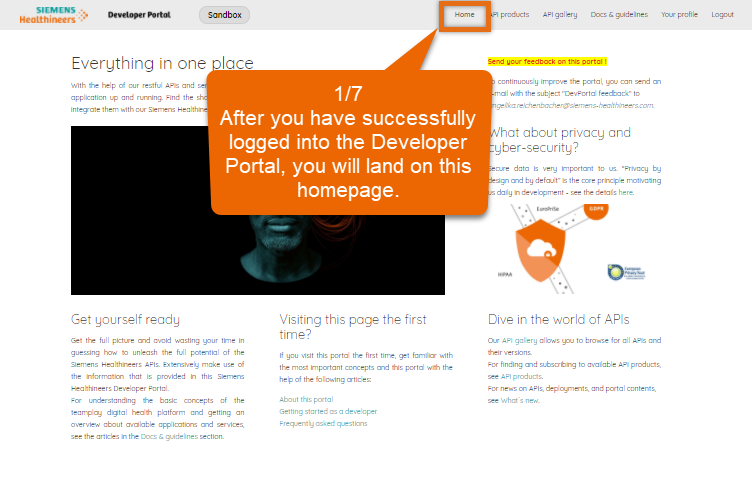
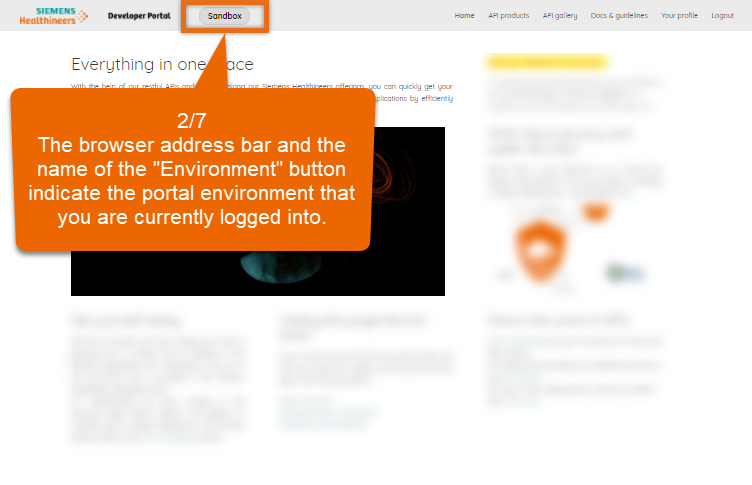
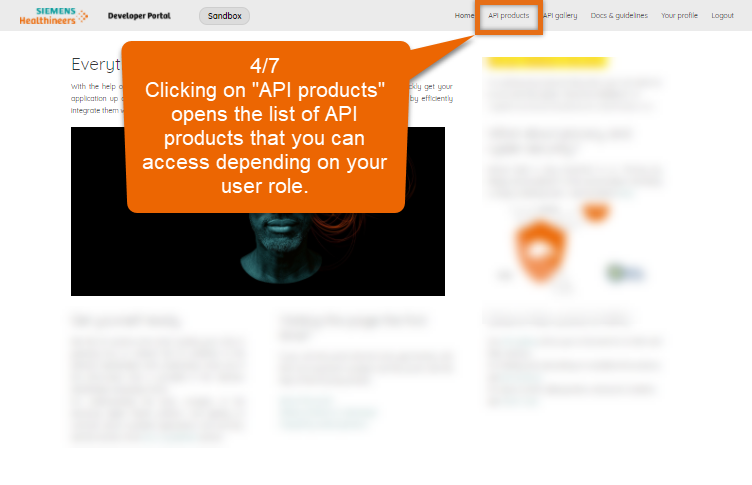
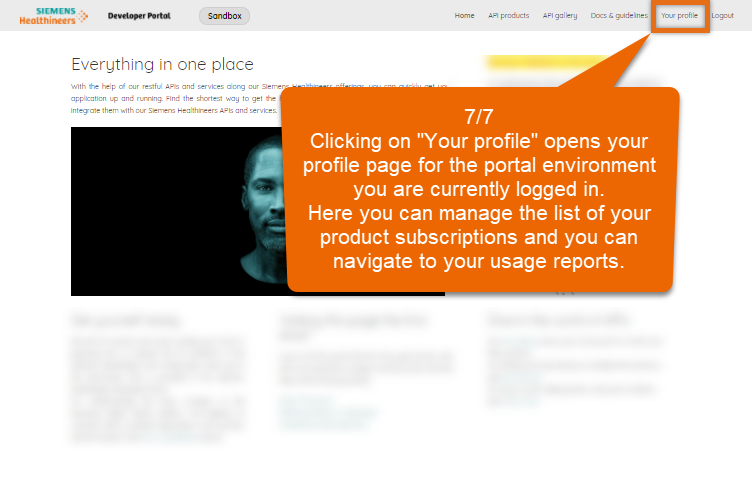
Watch this demo to learn about the main areas of the Developer Portal.



Supported browsers (article)
Links to supported portal environments (article)
Initial onboarding steps (article)
To utilize the Developer Portal, take the following into consideration:
Carefully walk through the articles in the Getting started section to make yourself familiar with with the portal and the initial steps required as a developer.
Use newer versions of modern browsers that are supported for the Developer Portal.
To use all the provided functions of this portal, enable JavaScript on your browser.
Make sure that you have opened the portal for the right environment before subscribing to APIs. There are several environments where the Siemens Healthineers Developer Portal is running for the different use cases and with dedicated permissions granted. Subscriptions to API products and registrations for your applications only apply to a dedicated environment.
This portal aims in particular to meet the needs of the following professions and roles:
Software developer
Software tester
Product owner
Software architect